

 Folding boxes
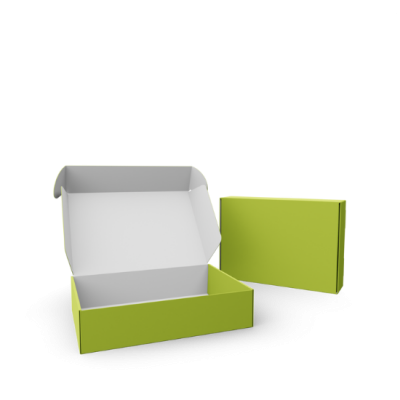




 Shipping boxes




 Stand-up pouch

.png) Roll labels
Roll labels 


 Paper cans
  Sample boxes
 Who doesn't know it: You order new shoes or jewelry online and are waiting excitedly for the package. A few days later it arrives and you want to share it with your friends and followers. In the Instagram world, there are already many nice terms for this, such as "haul" or "unboxing". If you, as a brand owner, want this mouth-to-mouth marketing to have maximum impact on viewers, then provide your customers with custom Instagram GIFs / stickers that feature your brand, your products, or your USPs. Your customers can then easily use these in their Instagram stories via the GIF function to enhance their story. And how you can create your own Instagram GIFs / stickers, I would like to show you in this article in four simple steps.
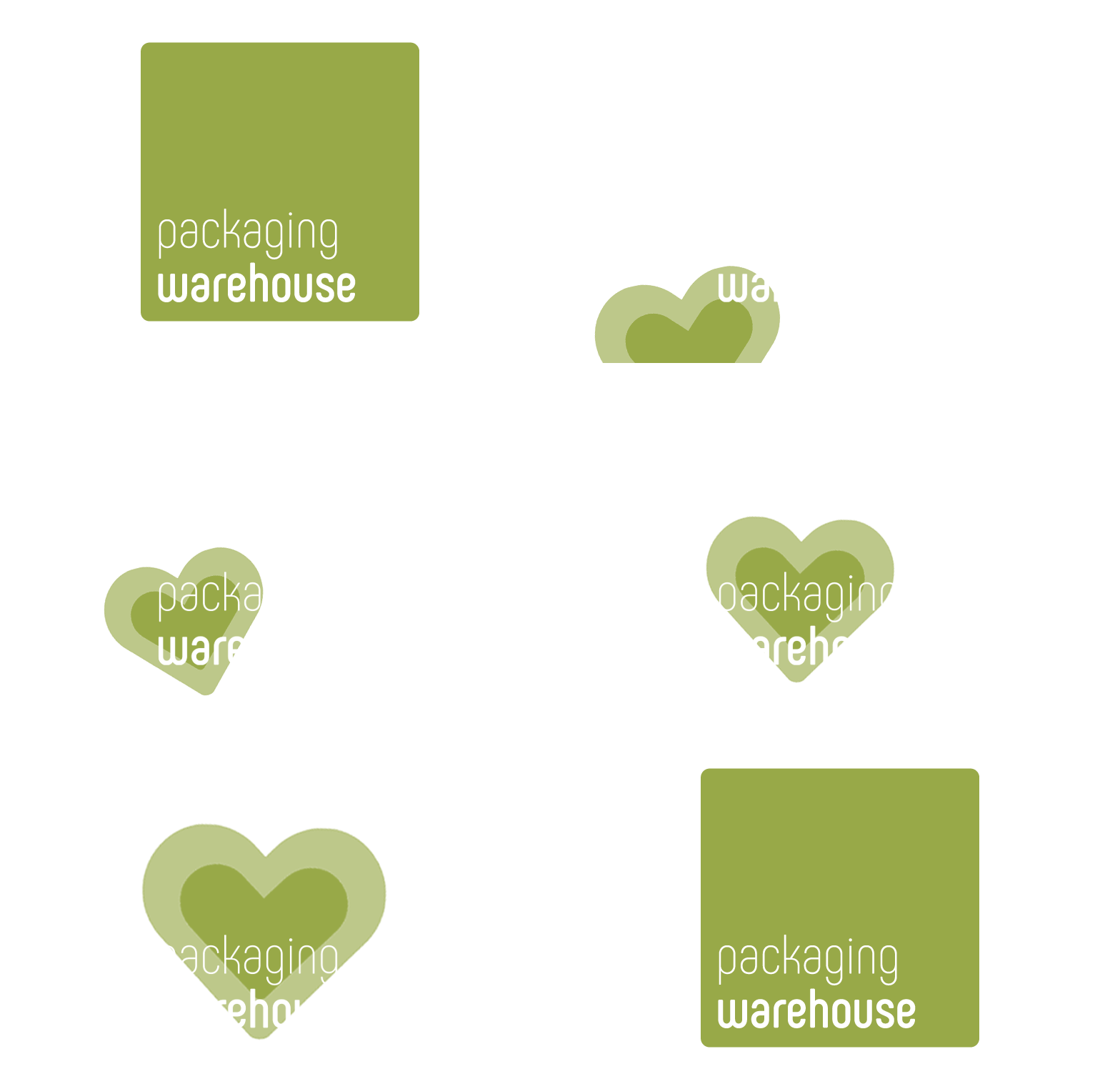
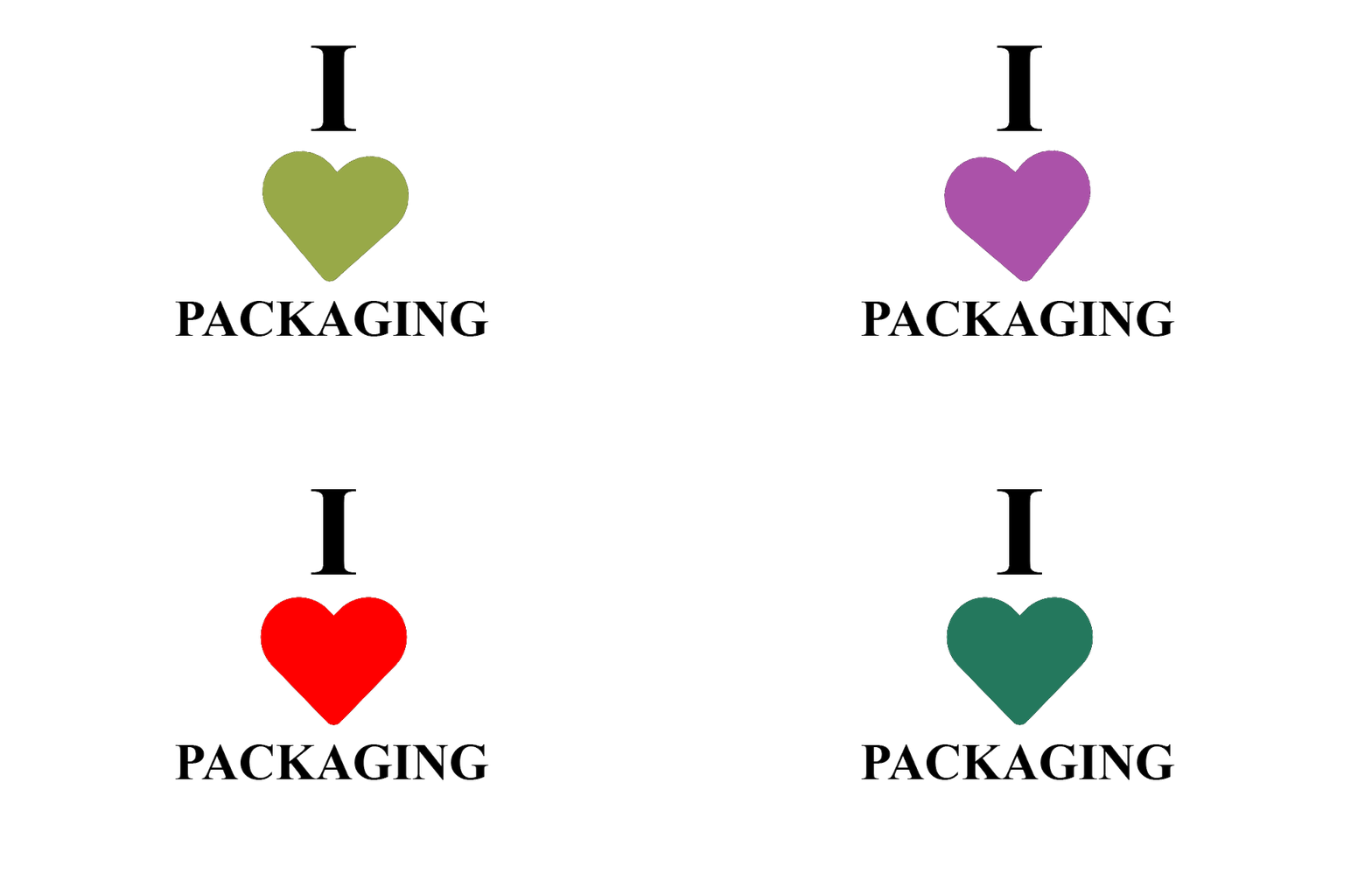
And this is how it works
Step 1: Create account on giphy.com
You can register under the following link: https://giphy.com/join
Step 2: Verifying the brand channel
So if your internet address is www.packaging-warehouse.com, then your email address must end accordingly on [email protected].
You can verify your brand at the following link: https://giphy.com/apply
Step 3: Create GIFs
If you have several images of your logo, a person or an icon, you can also easily merge them using a GIF maker on the Internet and download them as a GIF. Always make sure that the file is exported in the ".gif" file format.
Step 4: Upload GIFs and add "tags
In the fourth and final step, upload your desired GIF files. To do this, log in to your new giphy user account and click on the "Upload" button. There you have the following options:
- GIF
- Sticker
- Any URL
If you want to have your GIFs published on Instagram, you have to select "Sticker". A window will open where you can upload one or more GIFs at the same time. Using the "Any URL" function, you can enter a Youtube or Vimeo video link and select and upload a desired video excerpt. But please pay attention to the valid copyright!
Once you have selected and uploaded your GIFs, you will be asked to provide keywords and an origin URL. The source URL is in most cases the internet address of your website. For keywords (tags) I recommend you to enter words that fit very well to your GIF and describe the content of the GIF in the best possible way. Pay attention to the following points:
- For your customers to find you, you should first enter your brand name as a keyword.
- Use emotions that describe your GIF, such as "love", "hope", "beauty",....
- Also use related words such as "fast shipping", "blue bottle",....
- Specify the tags in the different languages of your target audience.