

 Folding boxes




 Shipping boxes




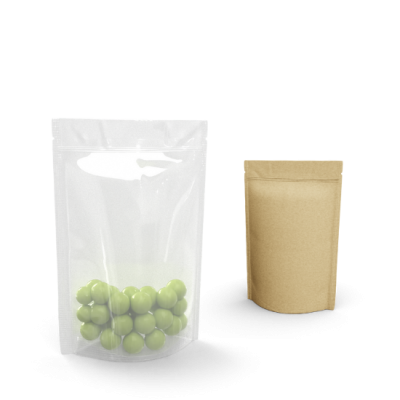
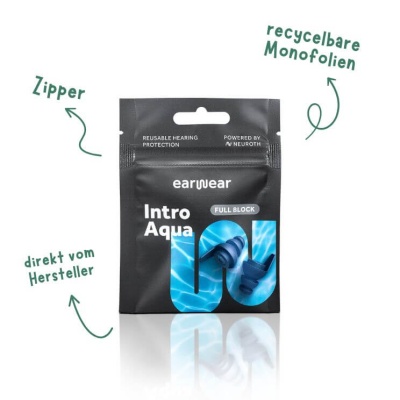
 Stand-up pouch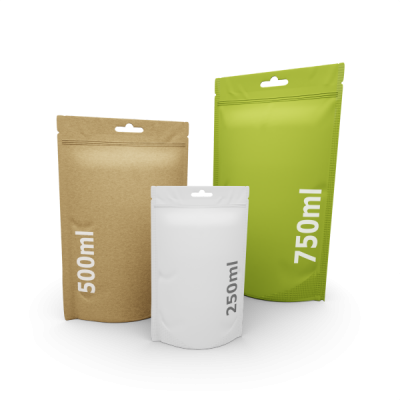
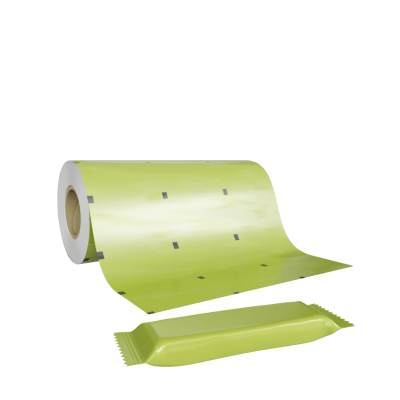


.png) Roll labels
Roll labels 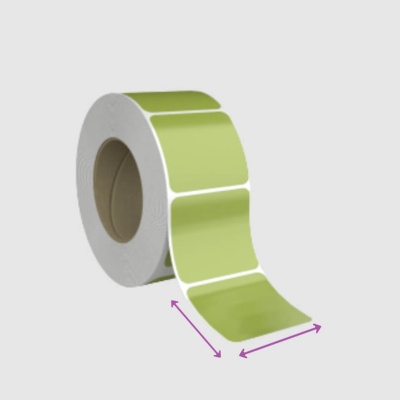
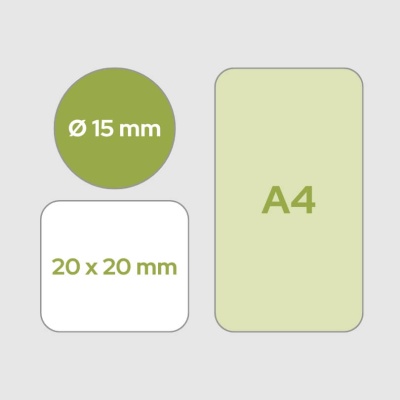


 Paper cans
  Sample boxes
 Worth knowing
Data check for roll labels


Punch
Das bestellte Endformat deines Etiketts ( + standardmäßig 2 mm Eckenradius).
Das bestellte Endformat deines Etiketts ( + standardmäßig 2 mm Eckenradius).

Bleed
2mm Anschnitt im Druckdaten-Dokument einrichten
2mm Anschnitt im Druckdaten-Dokument einrichten

Sicherheitsabstand
Bitte lege Texte und Bilder mit einem Sicherheitsabstand von 1,5mm zur Stanze an. So vermeidest du, dass diese Elemente abgeschnitten werden.
Bitte lege Texte und Bilder mit einem Sicherheitsabstand von 1,5mm zur Stanze an. So vermeidest du, dass diese Elemente abgeschnitten werden.

Trim
Hintergrundelemente 2mm über die Stanze hinaus anlegen
Hintergrundelemente 2mm über die Stanze hinaus anlegen
KINDERLEICHT
So funktionierts
Type your text
The requirements in detail

Convert / embed fonts
Convert your fonts to paths, or embed them in the document.

Color space CMYK
Use the CMYK color space for your print file (not RGB).
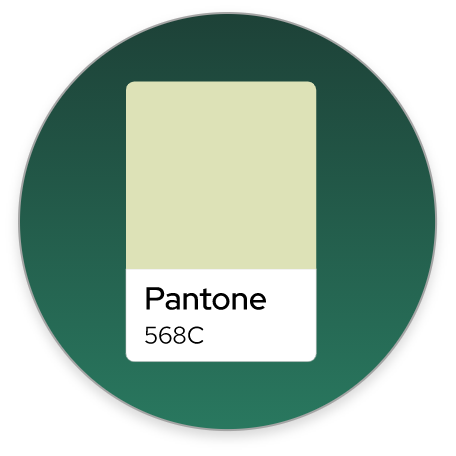
Do not use PANTONE
Pantone colors cannot be printed in digital printing. We simulate these automatically via CMYK.

Image resolution min. 300dpi
The resolution of embedded images should be at least 300dpi.

Font size min. 6pt
The size of your fonts should be at least 6 pt.
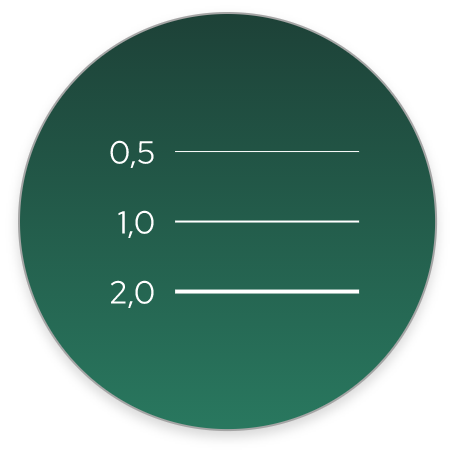
Line width min. 0.5pt
The line width in your print data should be at least 0.5pt.
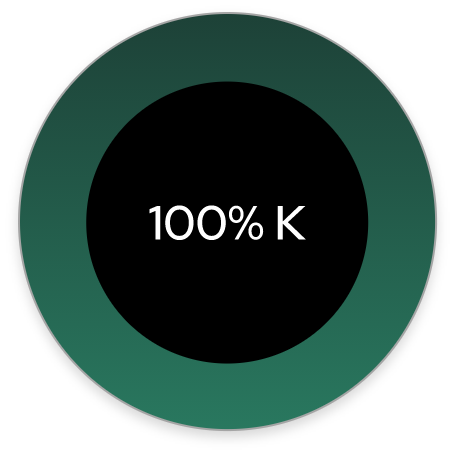
Black always as 100% K
Always create black fonts and elements (shapes, lines, color areas) as 100% K (0C / 0M / 0Y / 100K).

Safety distance 1.5-3.0mm
The safety distance to the edge of your print data (punch) should be 1.5 mm for labels and 3.0 mm for all other products.

Format PDF/X-4:2010
Save your print data as PDF in PDF/X-4:2010 format. Avoid the following data formats: .docx / .ppt / .ai / .eps / .jpg / .png / .tiff

Edge trim / bleed 3 mm
Your print file must be created with 3 mm bleed so that important elements are not cut off.

Deposit opaque white
Duplicate the element to be overprinted and place it in the background. Create the background element with a spot color called "HPI-White" (20% cyan). Then set the upper element to "overprint".
Type your text